
Door Systems Specifications in RIB SpecLink + Revit
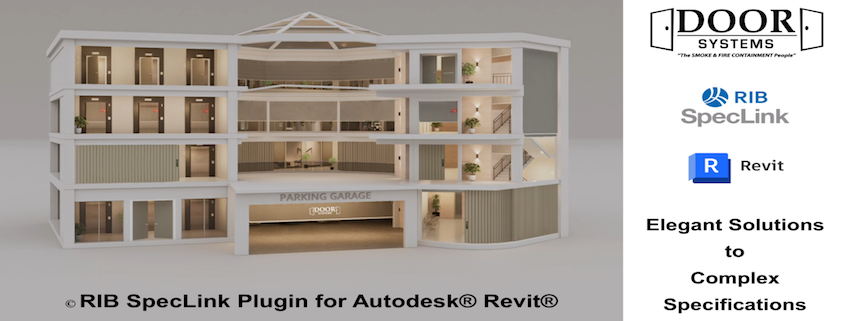
Specs + BIM, Finally in Sync:
Exploring Speclink’s Revit Plug-In for Spec Integration
If you’ve ever tried to keep specifications aligned with a fast-moving Revit model, you know the reality: information lives in too many places. Details get scattered across views, schedules, notes, and spec sections, then someone asks a late-stage question, and the whole team is hunting.
BIM Integration with Specs | Sync Revit and RIB SpecLink
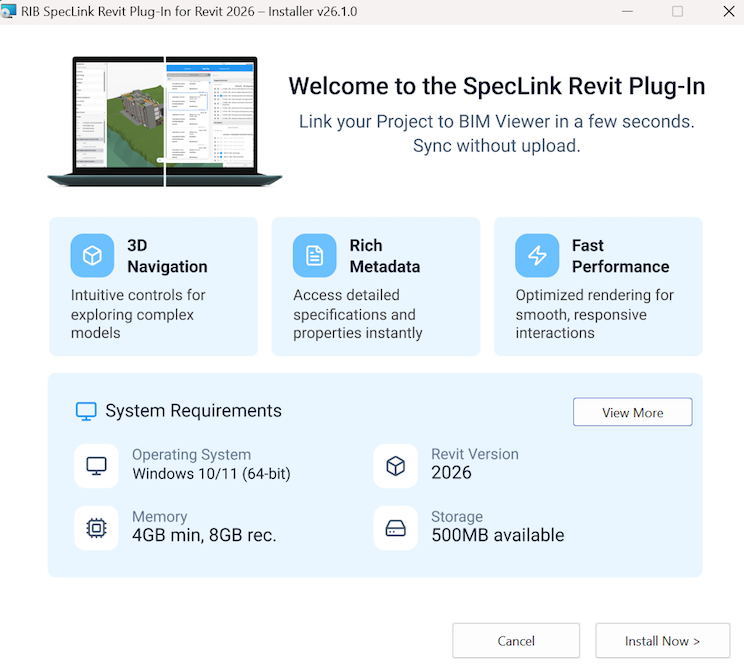
Revit 2026 Plug-In
Get your Revit Plug-In at https://www.rib-software.com/en/rib-speclink/bim
RIB’s SpecTalk on #Revit + #BIM integration with RIB Software SpecLink clearly frames the goal: bring documentation together “in a way that’s coordinated and seamless” to improve workflows and outcomes.
Watch the full episode below:
Door Systems is fully committed to this direction because fire and life-safety assemblies are precisely where coordination is most crucial.
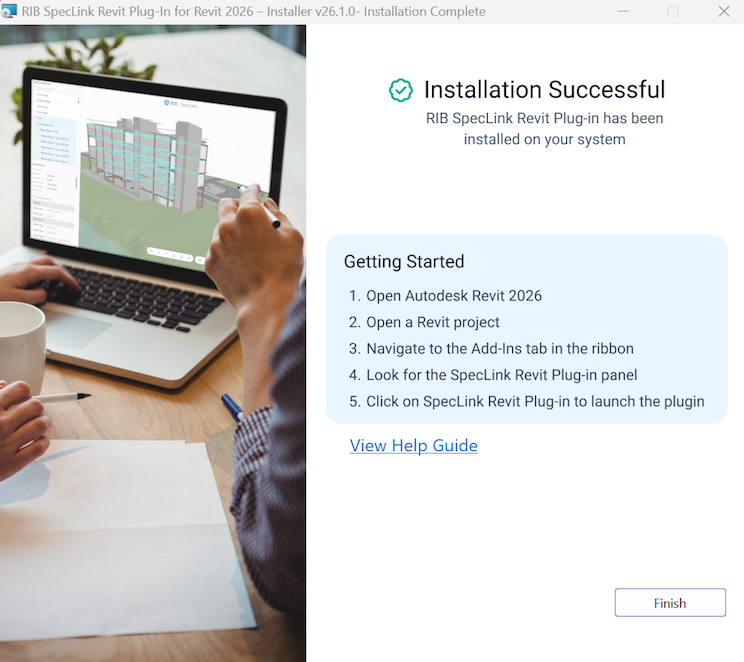
Revit 2026 Plug-In
Why this integration matters
Building Information Modeling (BIM) enhances the quality of specification writing by improving information management. Rather than spending time tracking tags and schedules, the goal is to use the model as a dependable “front door” to the data. This approach allows specifiers to quickly and confidently verify the contents of the building.
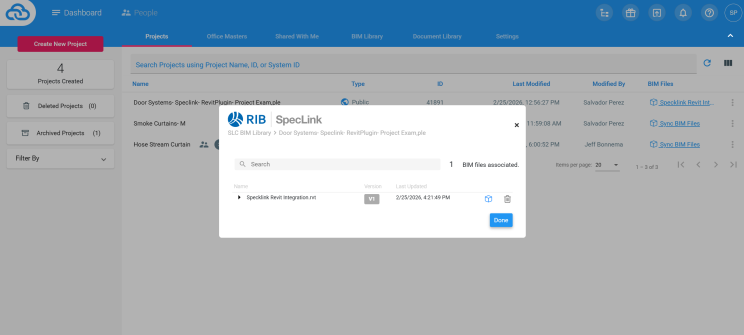
SpecLink User Dashboard
Link your Revit Project File to SpecLink Cloud!
RIB’s approach emphasizes:
- A 3D view that keeps the relationship between elements and their data intact (so it’s not “search the plan set” anymore)
- A workflow designed so specifiers can review the model without needing a dedicated Revit seat
- Milestone-based uploads (not live syncing), with tools to help you understand what changed between versions
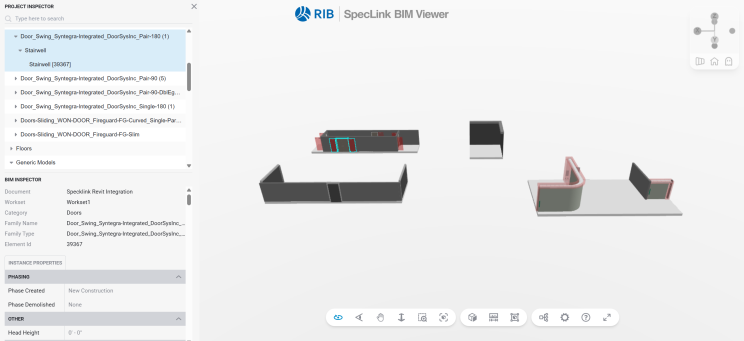
SpecLink BIM Viewer
No license required once its uploaded by a Revit user to SpecLink!
What this means for Door Systems users
In your next project, the SpecLink workflow can help specifiers and BIM teams connect:
Door Systems specifications in RIB SpecLink with Door Systems Revit Family (.RFA) content for:
- DSI- Fire-Rated Smoke Curtains
- Syntegra- Integrated Fire Doors
- Won Door- Accordion Folding Fire Doors
In other words: easier to find the right spec language, and easier to connect it back to the BIM content your team is coordinating in Revit.
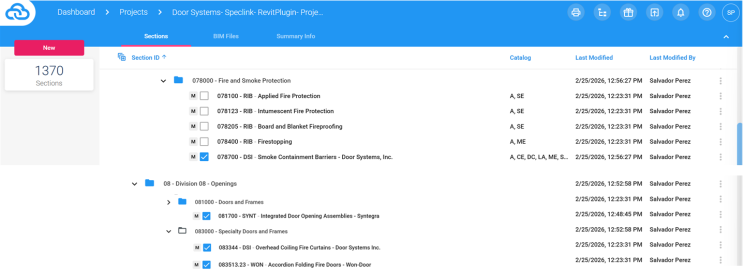
Door Systems SpecLink Division Sections
- 07 80 00 – DSI – Smoke Containment Barriers- Door Systems
- 08 17 00 – SYNT- Integrated Door Openings Assemblies- Syntegra
- 08 33 44 – DSI- Overhead Coiling Fire Curtains- Door Systems
- 08 35 13.23- WON- Accordion Folding Fire Doors- Won-Door
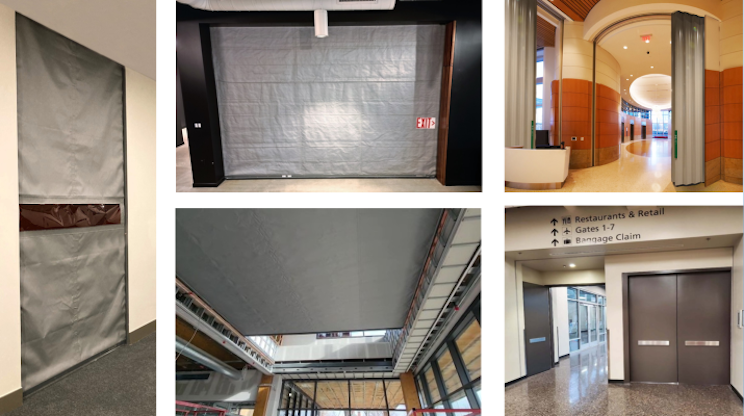
Door Systems, Curtains, Fire Doors
Less “Spec Guesswork,” more clarity
Specwriters spend a ton of time verifying they didn’t miss something—because in 2D workflows, the information is never in one place at one time.
The BIM-connected workflow flips that. Specifiers can:
- Navigate the model in an interactive viewer,
- Click elements to see key properties
- One-stop reference while building and coordinating the spec.
That’s especially valuable when you’re dealing with life-safety performance requirements where “close enough” isn’t acceptable.
Bonus workflow: Keynotes from active spec scope
Another useful capability highlighted: exporting Revit keynote files from active SpecLink sections. If you use keynotes as part of your documentation strategy, this can help keep model annotations aligned with what’s actually active in the spec set.
What are you waiting for? Get plugged in today!
https://www.rib-software.com/en/client-resources/rib-speclink
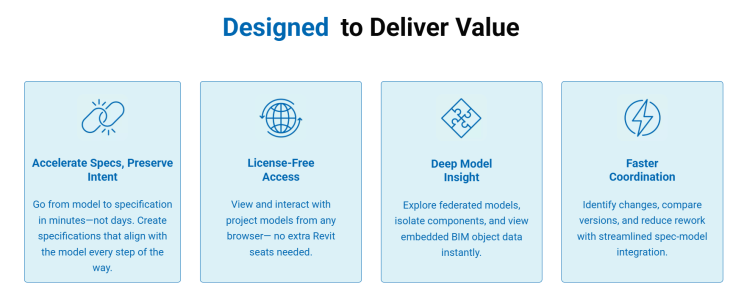
Infographic Courtesy of Rib-Software.com
If you’re specifying Fire Rated Smoke Curtains, Integrated Fire Doors, or Accordion Folding Fire Doors, and want help connecting Door Systems, Inc. content in SpecLink with the correct RFA. BIM resources, drop a comment with “SPECLINK” and we’ll point you to the right starting place.

Pictured above: T. J. Boyle – Daimon Bridge, RIB Software & Salvador Perez, CSI, Assoc. AIA, Door Systems
#BIM #Revit #Specifications #SpecLink #AEC #LifeSafety #FireProtection #DoorSystems